Phone photos
Take a series of photos, review them and remove unnecessary shots before sending.
 Apps that make life easier
Mobile email preparation
Take photos, dictate or type a description, and prepare a message with JPG, PDF or ZIP attachments for review and sending in your chosen email app.
Available on Google PlayExplore the screens of QuickTechMail.
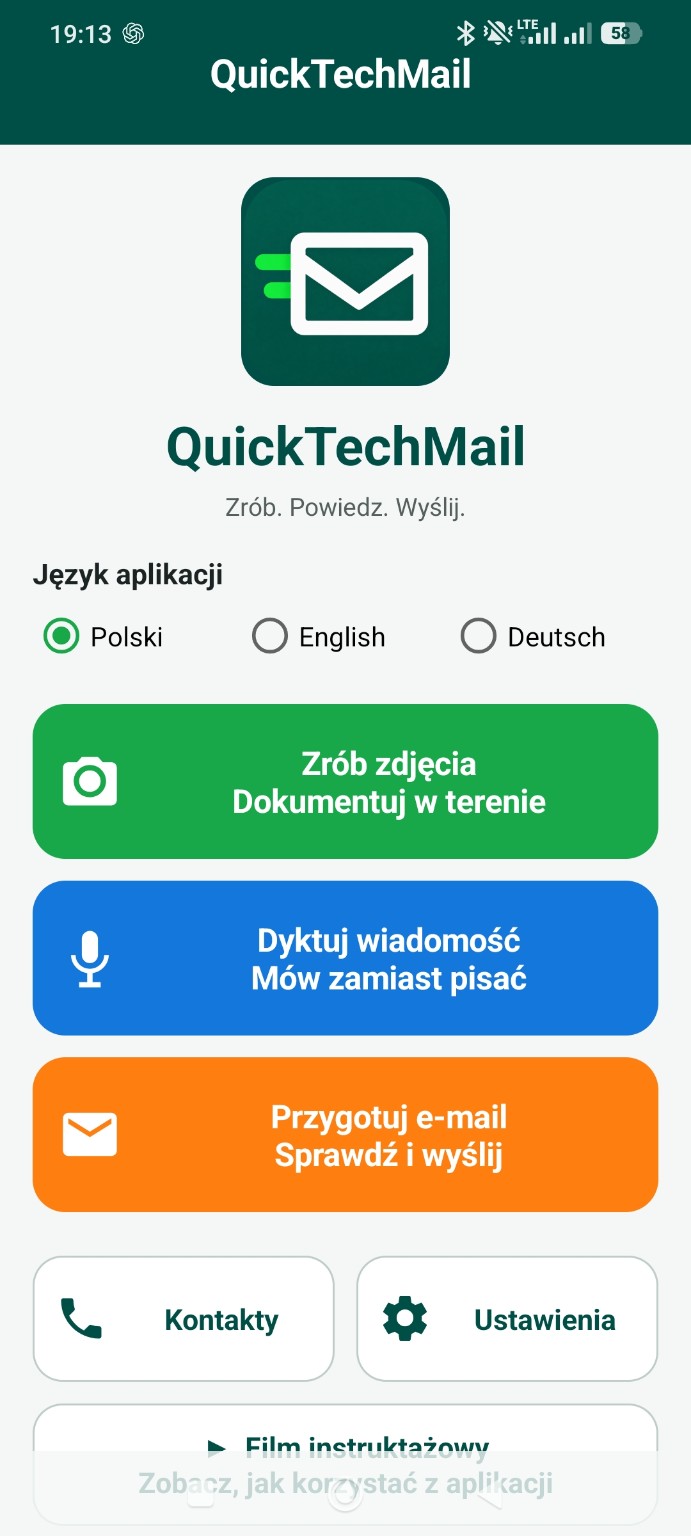
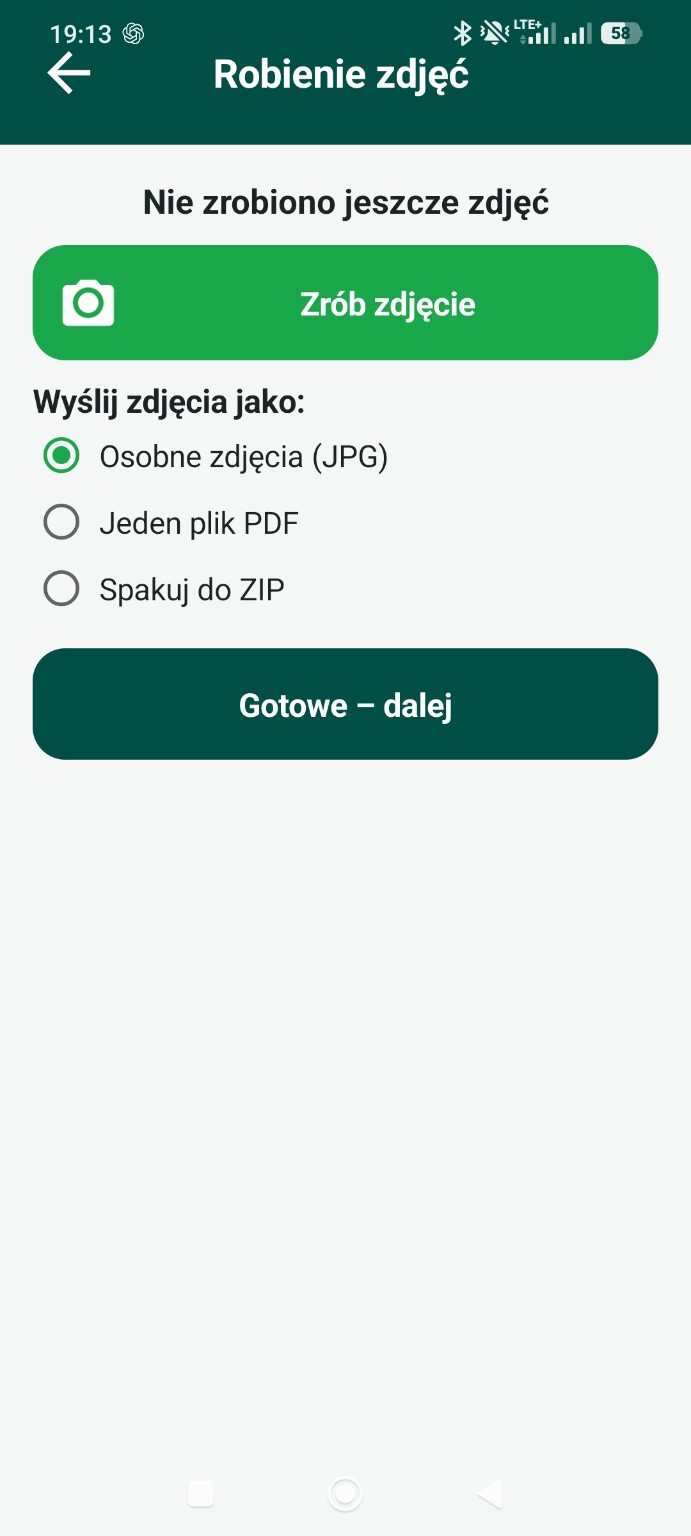
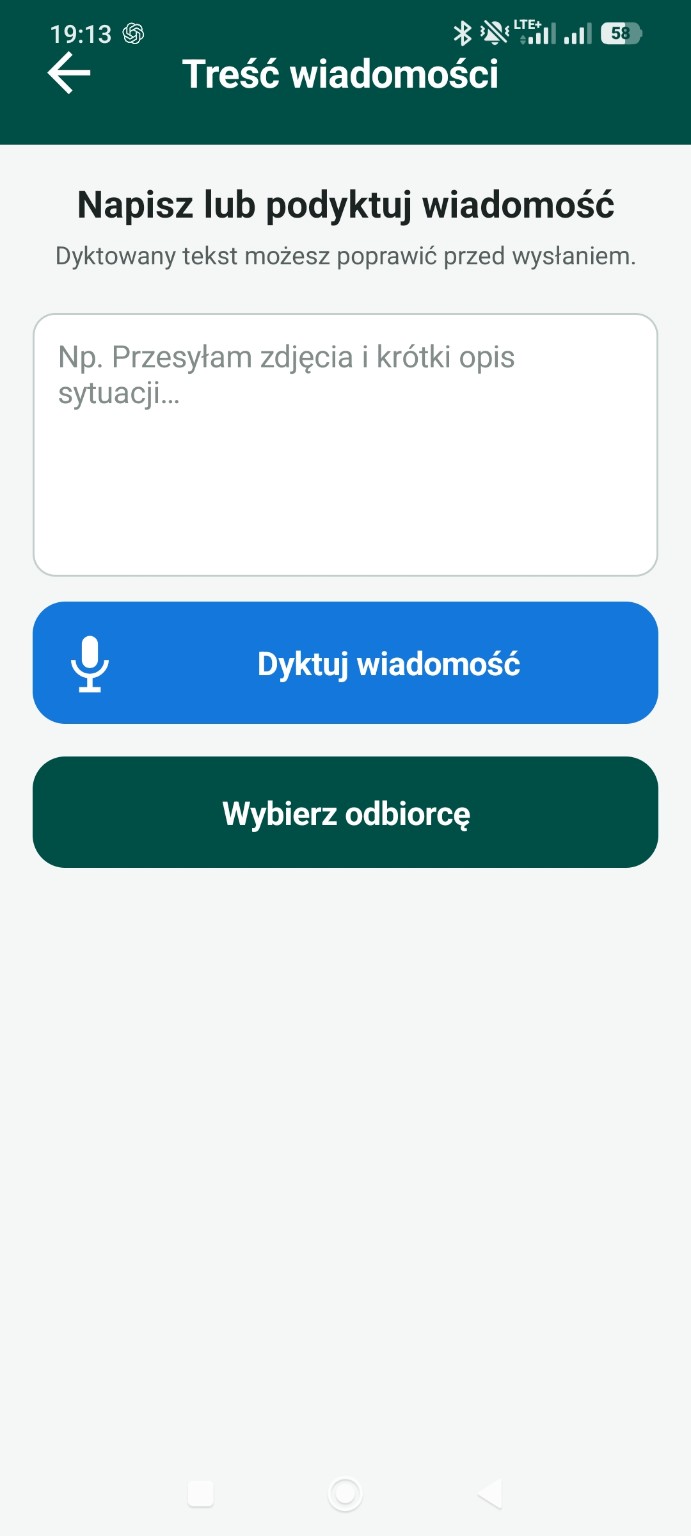
QuickTechMail guides the user step by step — from taking photos and preparing a description to opening a ready message in the chosen email app.
Take a series of photos, review them and remove unnecessary shots before sending.
Speak instead of typing. Speech recognition turns your words into editable text.
Choose photo compression of about 300 KB, 500 KB or 1 MB. The actual size depends on the photo.
Prepare attachments in the format that best suits the task.
Reuse frequently selected email addresses without typing them again.
Drafts and attachments remain on the phone until the user deletes them or starts a new message.
The process is intentionally short, so a message can be prepared one-handed, even away from the office.
Take photos with the camera, review them and prepare attachments.
The text remains editable before the message is created.
Enter or select the recipient and choose JPG, PDF or ZIP attachments.
QuickTechMail opens the prepared message in the selected email app.
The app prepares the recipient, content and attachments, then passes the message to the selected email app. The user reviews everything and starts sending.
Yes. QuickTechMail uses the speech recognition available on the phone and saves the spoken words as message text.
The app compresses camera photos and turns them into JPG, PDF or ZIP email attachments.
Drafts, photos, attachments, contacts and settings are stored locally. Sending a message in an email app does not automatically delete the draft. DZIUBA TECH does not receive this content on its own servers.